KawsarAhmed
The release of WordPress 7.0 marks an important shift in how websites are built, managed, and scaled. This version is not just another incremental update; it lays the groundwork for a smarter, more connected, and more user-friendly WordPress experience.
From AI integration to a redesigned navigation system, WordPress 7.0 focuses on simplifying workflows while giving both beginners and developers more power than ever before.
In this detailed guide, we will walk through everything new in WordPress 7.0, explain how it affects your workflow, and highlight why this update matters for the future of website building.
Need AI Content Writer?
Automatic Content Generator & Auto Poster WordPress plugin helps to write coontent automatically. See details
Welcome to WordPress 7.0

WordPress 7.0 introduces a major concept shift, bringing AI into the core ecosystem while refining the block editor experience. The goal is simple: reduce complexity while increasing flexibility.
Instead of juggling multiple tools and plugins, users can now:
- Connect AI services directly from the dashboard
- Build layouts faster using simplified patterns
- Customize navigation in a more visual way
- Track content changes more clearly
This version feels less technical and more intuitive, especially for content creators and non-developers.
AI Foundations, A Smarter WordPress Experience
One of the biggest highlights in WordPress 7.0 is the introduction of AI foundations.
Centralized AI Integration
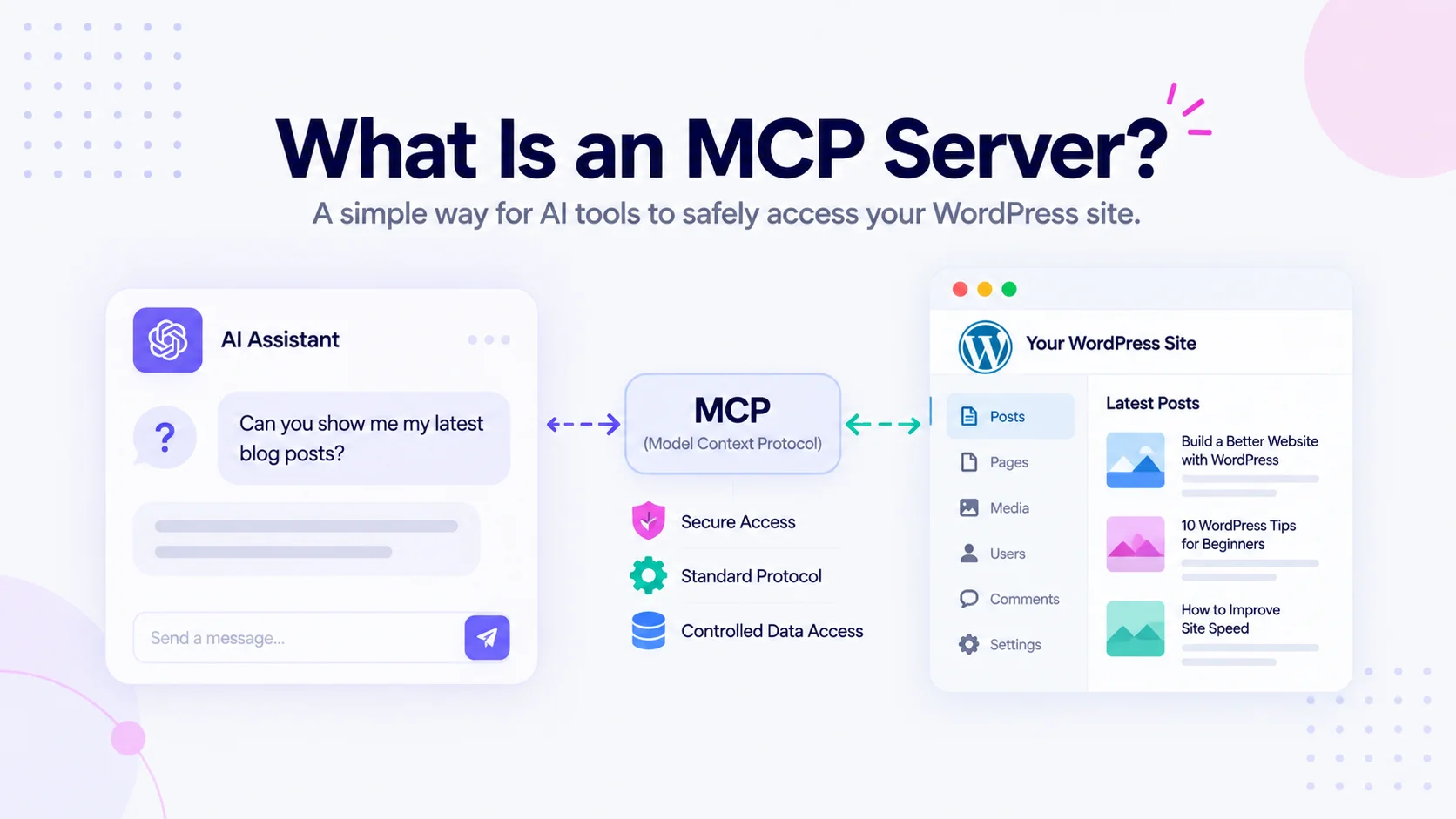
The new Connectors screen serves as a hub for managing integrations with external services, including AI providers. This means you no longer need separate setups for each tool.
You can:
- Connect your preferred AI provider
- Manage API-based services from one place
- Allow plugins to use the same connection system
This is especially useful for developers building plugins, since they can now rely on a standardized system instead of creating custom integrations.
AI Inside the Editor
With the optional AI plugin, WordPress becomes more than just a CMS. It turns into a content assistant.
You can:
- Generate titles and excerpts
- Create and edit images
- Get automatic alt text suggestions
- Improve content quality with AI assistance
This reduces the time spent on repetitive tasks and helps maintain consistency across your site.
A New Way to Design Navigation Overlays
Navigation menus have always been essential, but WordPress 7.0 takes them to another level.
Full Design Control
Instead of a simple list of links, you now have a dedicated canvas to design your navigation overlay.
You can:
- Add columns to organize content
- Increase font size for better visibility
- Align elements exactly how you want
- Use pre-built templates or start from scratch
This makes your menu feel like a designed section of your website, not just a utility.
Better User Experience
The navigation overlay now fully supports blocks, enabling you to create richer, more engaging menus.
For example:
- Add images or icons
- Include call-to-action buttons
- Highlight featured content
This change is especially useful for modern websites that rely on visual storytelling.
Visual Revisions, Track Changes More Clearly
Content editing becomes much easier with the improved revision system.
Timeline-Based Revision History
Instead of scrolling through a list of saved versions, you now get a timeline slider.
This allows you to:
- Move through different versions quickly
- See changes visually
- Compare edits block by block
One-Click Restore
Once you find the version you want, you can restore it instantly with a single click.
This is a major improvement for:
- Bloggers updating old content
- Teams working collaboratively
- Developers testing changes
It reduces mistakes and makes experimentation safer.
Patterns as Single Blocks, Simpler Page Building
Patterns have been part of WordPress for a while, but they are now easier to use than ever.
What Changed?
In WordPress 7.0, patterns behave like a single block.
This means:
- You don’t have to navigate through nested blocks
- Editing becomes faster and cleaner
- You can focus on content instead of structure
Quick Customization
You can:
- Replace text and images instantly
- Adjust styles from the sidebar
- Keep the layout intact
If you need deeper customization, you can still switch to full editing mode with one click.
This balance between simplicity and control is one of the greatest improvements in this release.
Performance Improvements, Faster and More Efficient
Performance is a core focus in WordPress 7.0, especially when it comes to loading behaviour.
Smarter Image Loading
The system now prioritizes visible images more accurately.
This means:
- Hidden images in overlays won’t slow down your page
- Important content loads faster
- Overall, user experience improves
Better Script Handling
Developers will appreciate the ability for scripts to depend on script modules, which helps:
- Reduce render-blocking resources
- Improve page speed
- Optimize frontend performance
Improved Block Stylesheet Loading
Classic themes also benefit from more reliable on-demand stylesheet loading.
This ensures that only necessary styles are loaded, improving efficiency.
Accessibility Enhancements, A More Inclusive Web
Accessibility remains a priority in WordPress 7.0.
Key Improvements
- Better media management accessibility
- Improved usability for voice control users
- Enhanced colour contrast in the admin interface
- More intuitive editor navigation
These updates help ensure that websites built with WordPress are usable by a wider audience.
Editor Improvements and New Blocks
The block editor continues to evolve with new features and refinements.
What’s Better?
- Smoother navigation inside the editor
- Improved interaction between blocks
- Additional blocks for more design flexibility
These improvements make the editor feel more responsive and easier to use, especially for beginners.
Why WordPress 7.0 Matters
WordPress 7.0 is not just about new features; it’s about direction.
A Shift Toward Integration
Instead of relying heavily on separate tools, WordPress is becoming a unified platform where:
- AI tools are built in
- External services are centrally managed
- Editing is more visual and less technical
Better for Developers
Developers benefit from:
- Standardized integration systems
- Improved performance tools
- More flexible design capabilities
Better for Users
Users get:
- Simpler workflows
- Faster websites
- More control over design
Final Thoughts
WordPress 7.0 represents a major step forward in making website creation smarter, faster, and more accessible.
With AI integration, improved editing tools, and performance enhancements, this version is designed for the future of the web.
Whether you are a blogger, business owner, or developer, upgrading to WordPress 7.0 gives you access to tools that make building and managing websites easier than ever.
Stay connected with us for more WordPress help, tips, tutorials, and articles at WpFresher.com. 🚀
Discover more from WPFresher
Subscribe to get the latest posts sent to your email.