WpFresher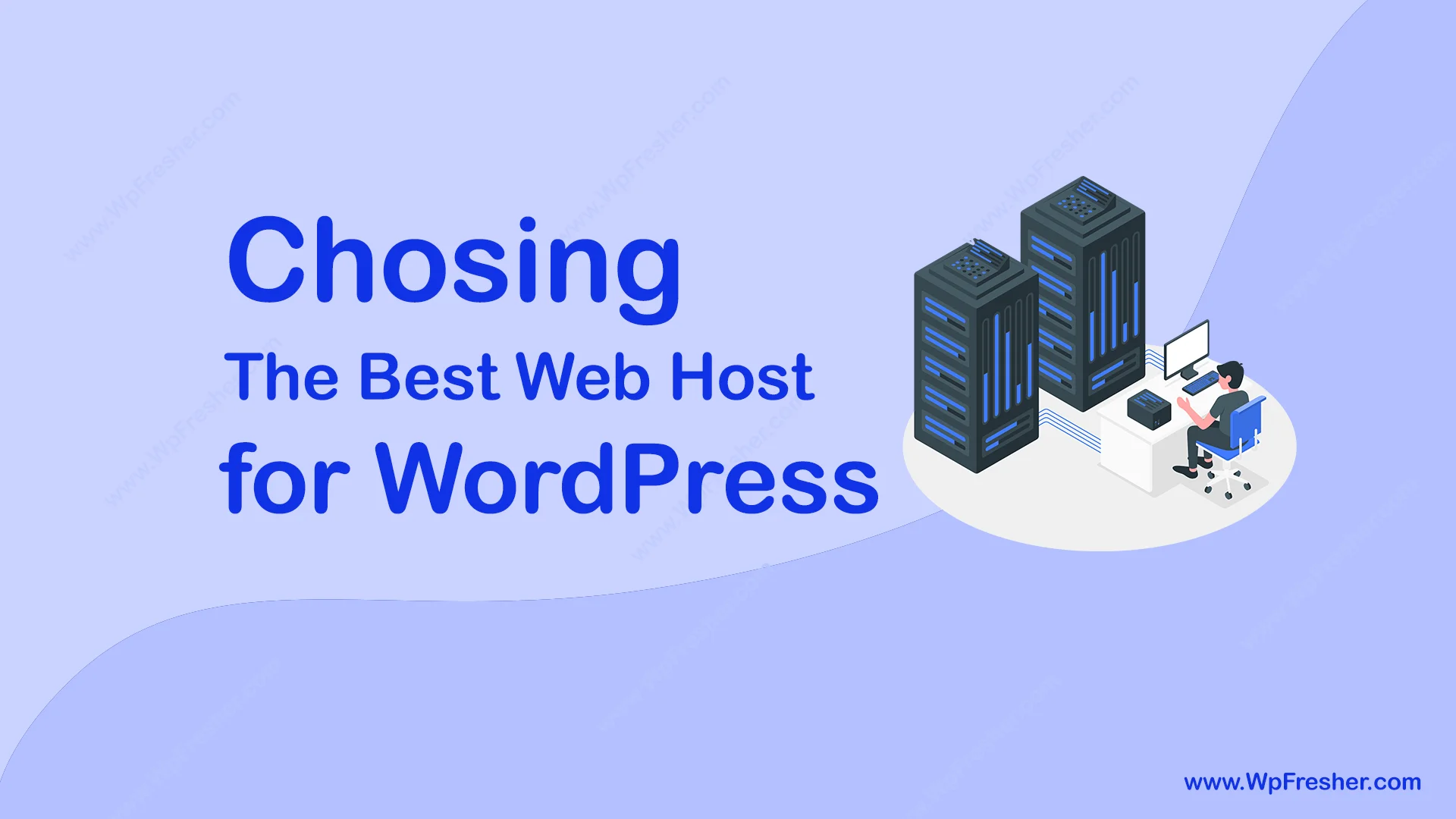
Web hosting is one of the most important parts of running a website, but many freshers don’t give it enough attention. When you start looking, you’ll see all kinds of options free hosting with ads, very cheap plans that lock you in for years, and expensive premium services.
So how do you choose the right one for your WordPress site?
In this guide, we’ll break things down in simple terms so you can make a smart decision.
What Does WordPress Actually Need?
The good news is, WordPress is very lightweight. It doesn’t need a powerful or expensive server to run smoothly.
Here are the basic requirements:
- PHP version 7.4 or higher
- MySQL version 5.0 or higher
- Apache server with mod_rewrite enabled
Almost every modern hosting provider already supports these. In fact, many Linux-based hosts even come with WordPress pre-installed or offer one-click installation.
So you don’t need to worry too much about technical specs.
Things to Consider Before Choosing a Web Host
1. Understand Your Needs
If you’re starting a normal blog or website, you don’t need a dedicated server. That would just be a waste of money.
Most shared hosting plans today offer “unlimited” storage and bandwidth, which is more than enough for freshers.
But if a host doesn’t offer unlimited resources, here’s how to think about it:
Storage (Disk Space):
A basic WordPress site can run easily within 100 MB.
If you upload lots of images, videos, or files, then you’ll need more space.
Bandwidth:
Bandwidth depends on your traffic.
In the beginning, your traffic will be low, so you don’t need a big plan.
It’s smarter to:
- Start with a small plan
- Upgrade later when your site grows
There’s no need to spend extra money early on.
2. Check the Hosting Company’s Reputation
Not all hosting companies are equal.
Before choosing one, make sure you:
- Read reviews from real users
- Check uptime (how often the server stays online)
- Look at customer support quality
A good host should be reliable and responsive when you need help.
Recommended Web Hosting Providers
Here are some popular and trusted hosting providers you can consider:
- HostGator
A well-known hosting provider that hosts millions of websites. It offers flexible plans for freshers and growing websites. - Namecheap
A budget-friendly web hosting provider known for affordable plans, free SSL, and easy WordPress setup. Best for freshers and small websites. - Bluehost
One of the oldest and most reliable hosting companies. It’s widely used and officially recommended by WordPress. - Hostingger
A fast and low-cost hosting service with strong performance, user-friendly tools, and great value for money. Ideal for freshers and growing websites.
🚀 AI Content Writer – Create High-Quality Content in Seconds
AI Content Writer is a powerful WordPress plugin that helps you generate SEO-optimized articles instantly using AI. Whether you’re a blogger, marketer, or business owner, this plugin allows you to create, customize, and publish content directly from your WordPress dashboard, saving time and boosting productivity.
Ready to Grow Your Content Faster? Then try the FREE version of AI Content Writer from WordPress.org plugin repository.
Try Free Version: AI Content Writer
Upgrade License: AI Content Writer Pro
Final Thoughts
Choosing the right web host doesn’t have to be complicated.
- Start simple
- Don’t overspend in the beginning
- Focus on reliability and support
Any of the hosting providers mentioned above can be a solid starting point. As your website grows, you can always upgrade your hosting plan.
Stay tuned for more WordPress help, tips, tutorials, and articles at WpFresher.com. 🚀